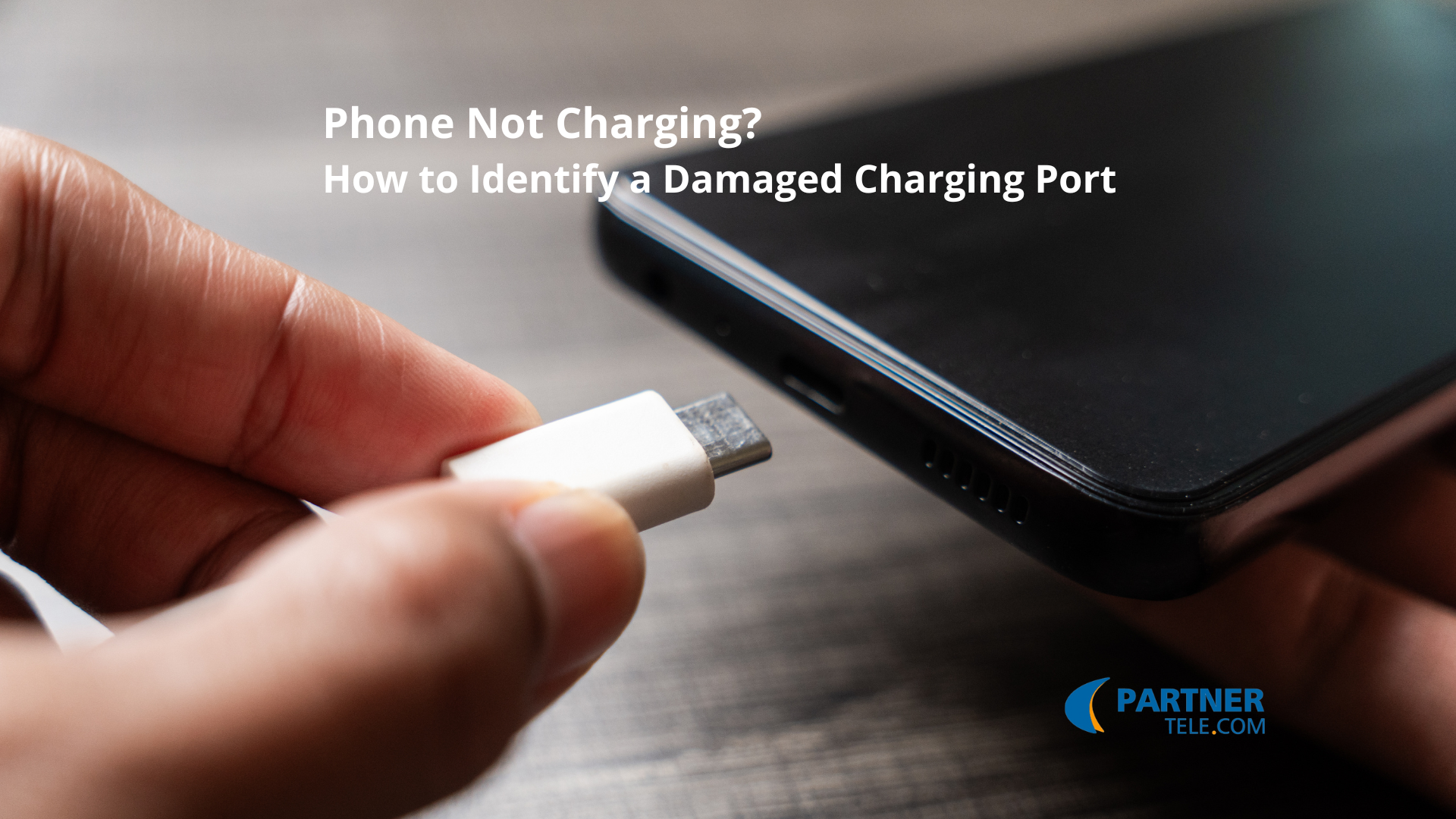
Does it feel like your phone isn’t charging the way it should? Instead of a steady power boost, the device reacts only for a moment—or doesn’t start charging at all.
This situation may be caused by a minor issue, but it can also indicate a more serious technical problem. In this article, we explain what most commonly causes these symptoms, how to check whether the charging port or the battery is at fault, and in which cases charging port repair is the most reasonable solution.
Table of Contents
The Most Common Causes of Phone Charging Issues
Common causes of charging issues do not always mean a serious device failure. Sometimes it’s a minor detail that can be easily eliminated. However, both a complete lack of phone charging and unstable power supply may have several different causes.
Typical situations include:
- a damaged cable or a low-quality charging cable,
- a damaged cable or charger,
- a dirty charging port,
- a damaged port or charging input damage,
- a worn-out phone battery,
- improper phone charging caused by a system error.
Any of these issues can result in no phone charging or cause the phone to charge very slowly.
Charging Cable Test as the First Diagnostic Step
Before assuming that a damaged charging connector is to blame, perform a simple test. Check the cable and the charger, preferably by connecting a different power set.
It’s worth carrying out a charging cable test, as even a small crack in the wire can cause the phone to interrupt charging. If the charging cable has been frequently bent, it may have suffered internal damage.
In some cases, simply replacing a damaged cable is enough to completely resolve the charging issue.
Cables That Last Longer
Cleaning the Charging Port
Daily plugging in the charging cable allows dust, dirt, and small fabric particles to enter the device. A dirty charging port is a very common cause of the issue, especially when the phone charges only at a specific angle.
In such a situation:
- carefully clean the charging port,
- perform a thorough charging port inspection,
- make sure no mechanical damage has occurred.
Damaged Charging Input
Dropping the device, pulling on the cable, or intensive everyday use can lead to physical damage to the connector. As a result, the charging process becomes unstable and the phone interrupts charging whenever the plug is moved.
Typical symptoms include:
- a noticeably loose charging port,
- no response when the cable is connected,
- power or charging error messages,
- a complete lack of phone charging.
If you are dealing with a damaged port, professional charging port repair or component replacement will be necessary. In a service center, technicians check the condition of the components and the charging input lifespan to assess the extent of the damage.
Phone Battery and Charging Time
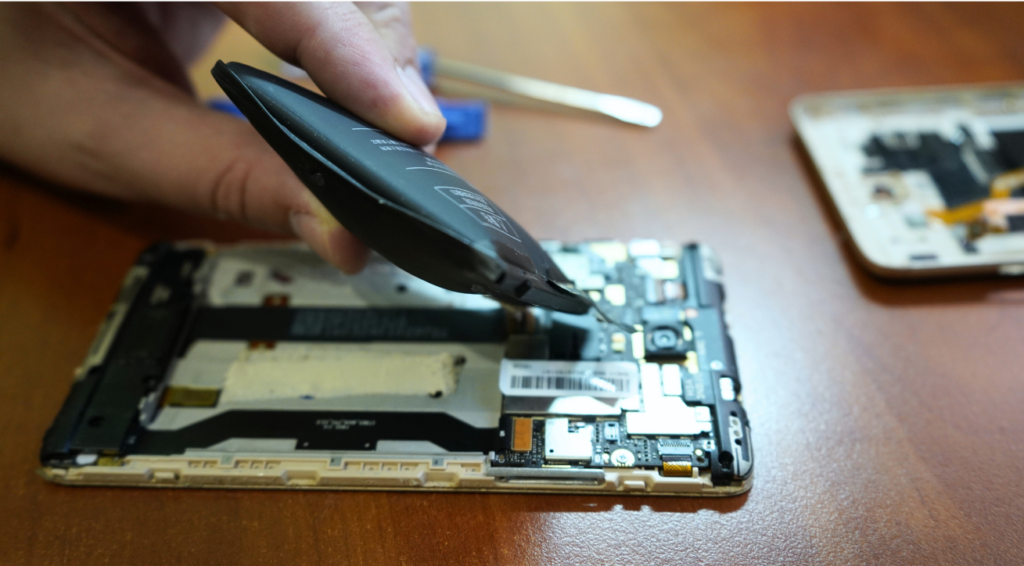
The charging connector is not always to blame. In some cases, the issue lies with a worn-out phone battery. If the charging time has significantly increased and the battery level drops quickly, cell degradation may be the cause.
Symptoms such as:
- too short a charging time,
- sudden drops in battery level,
- overheating while charging,
may indicate that the phone battery itself needs to be replaced.
Wireless Charging as an Alternative
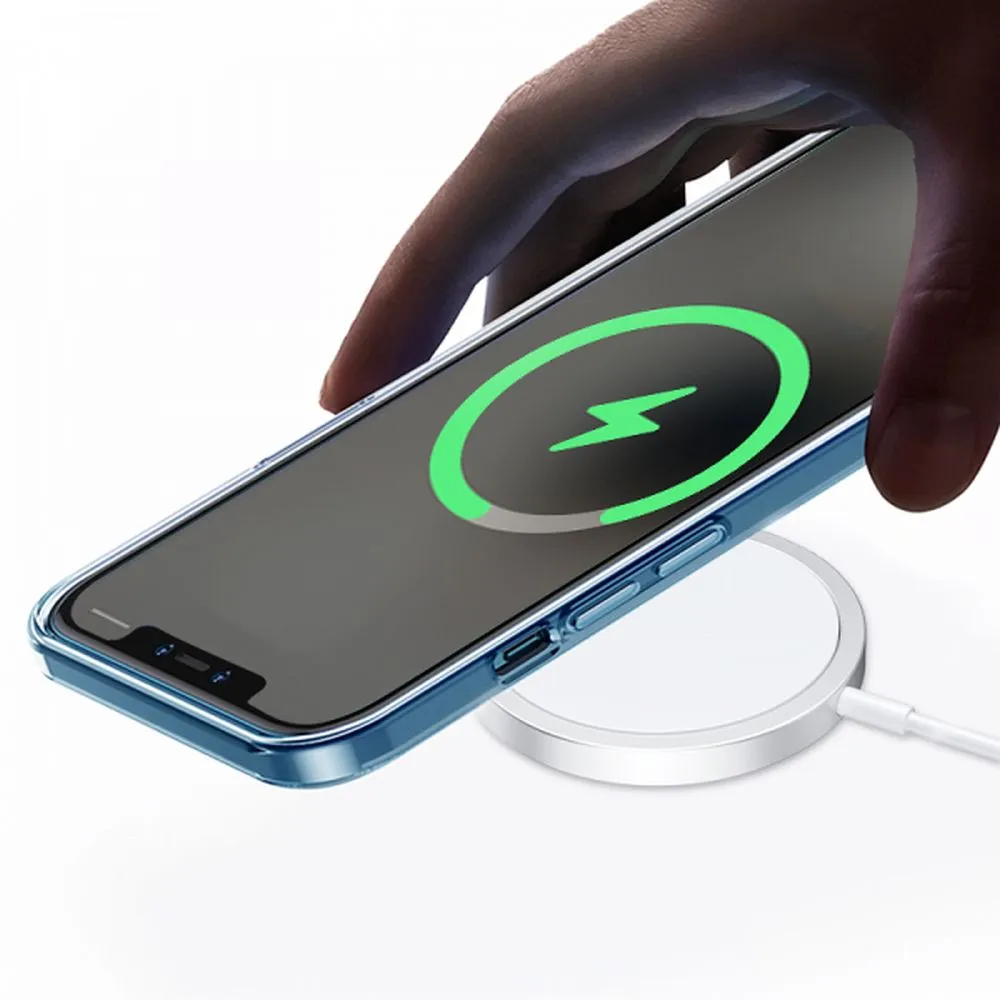
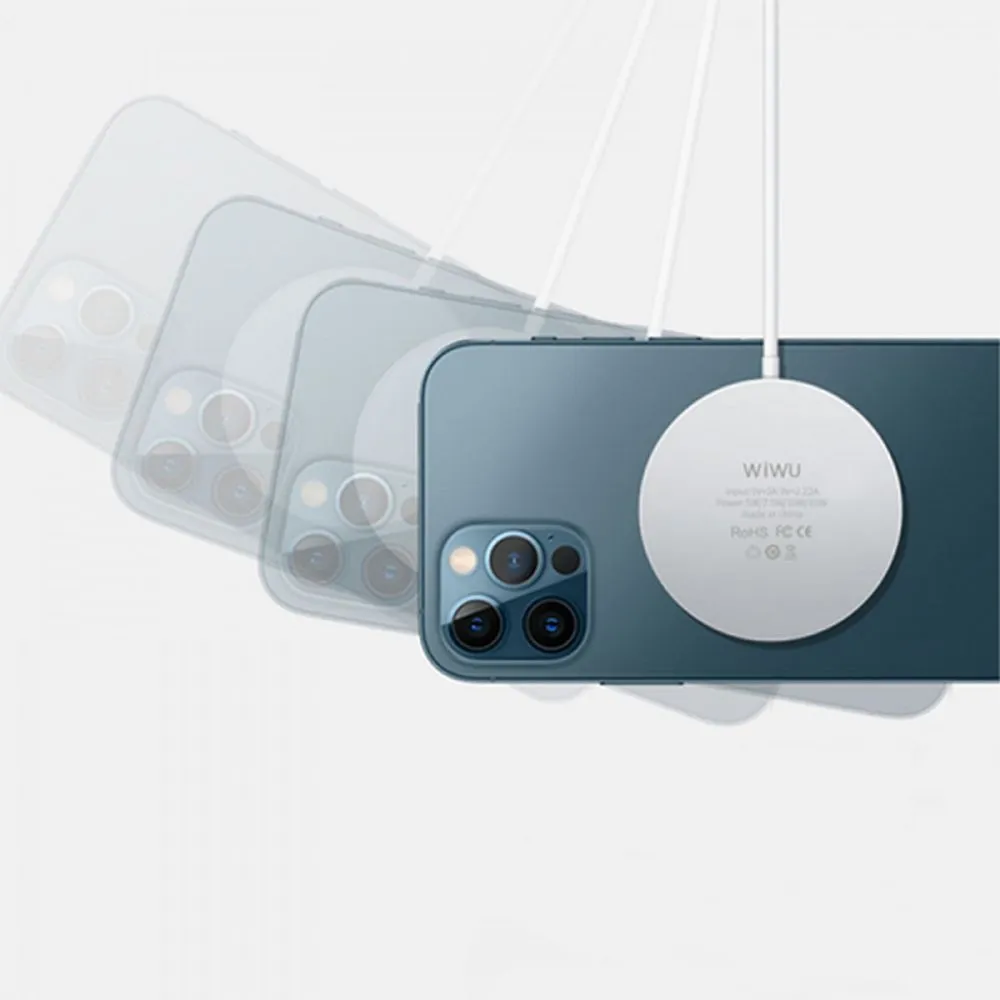
If your phone supports wireless charging, it’s worth considering alternative power methods. Inductive charging reduces the need to use the physical port, lowering the risk of wear and further damage.
A reliable wireless charger allows you to safely charge the device even when the traditional charging port is worn.
Inductive charging minimizes the risk of further mechanical damage and extends the lifespan of the charging input. If traditional charging via the USB port fails, charging your smartphone wirelessly can be either a temporary or a long-term solution.

Magnetic Adapter for Added Protection
- the risk of creating a damaged charging connector is reduced,
- the charging port is protected,
- everyday convenience is improved.
How to Charge Your Phone When the Port Isn’t Working?
If there is a complete lack of charging and the device does not respond to the cable, check:
- whether the phone supports wireless charging,
- whether you can charge the phone with a charger with different specifications,
- whether phone charging works after restarting the system.
Sometimes a software update or reset can improve the charging process. However, if none of these methods work, the most likely cause is charging input damage.
When Is Charging Port Repair Necessary?
If, after all tests, there is still a lack of phone charging and the phone charges only occasionally or not at all, professional charging port repair will be necessary.
A service center will perform:
- a thorough charging port inspection,
- an assessment of whether there is physical connector damage,
- an analysis of whether the phone battery or a damaged port is responsible.
Replacing the connector often completely resolves the charging issue and allows you to charge the phone with a charger again.
Summary – What Could Be Causing the Lack of Charging?
If your phone isn’t charging, the cause doesn’t necessarily have to be serious. In many cases, a damaged cable, a dirty charging port, or a faulty charger is responsible. However, sometimes the source of the issue is a damaged charging connector or a worn-out phone battery, which requires professional service.
Before deciding on charging port repair, it’s worth performing a few basic diagnostic steps.
- First, check the cable and make sure it hasn’t been broken.
- Next, clean the charging port to rule out dirty contacts.
- If your phone supports wireless charging, check whether it charges steadily when using a wireless charger.
This initial diagnosis will help you identify the real cause of the issue more quickly and decide whether replacing accessories is enough, or whether professional charging port repair is required.
Partner Tele.com is a trusted source of spare parts, accessories, and equipment for GSM repair services – everything you need for efficient and profitable mobile device repairs.