Mobile gaming and PC gaming are two distinct styles of play, each requiring different accessories and different ways of setting up a workstation.
Smartphone users focus on comfort and touch precision, while laptop and PC gamers need effective cooling and a stable working base. This short introduction highlights how the needs of both groups differ and which GSM accessories can genuinely improve the gaming experience—regardless of skill level.
Table of Contents
Why Cooling Matters: Phone, Laptop and PC
Hot air is the biggest enemy of smooth performance. In smartphones, it leads to throttling; in laptops, to FPS drops; and in PCs, to loud fan operation. This is why choosing the right cooling system—from cooling pads to 120 mm and 200 mm fans—is one of the most important steps in building an effective gaming setup.
Laptop Cooling Stand – A Must-Have for Both PC and Mobile Gamers
A well-selected cooling stand can lower laptop temperatures by several degrees, which directly improves device stability. In games, this translates into higher fluidity, reduced risk of throttling, and more predictable performance.
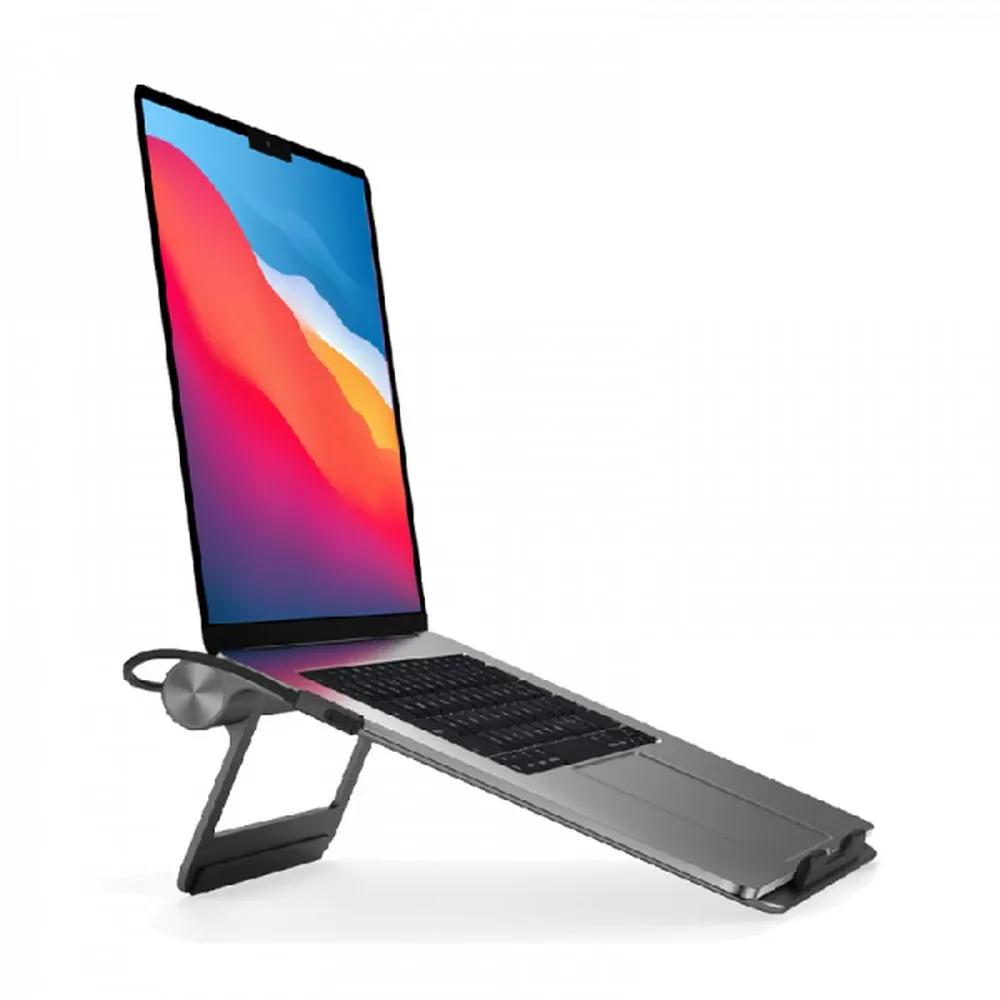
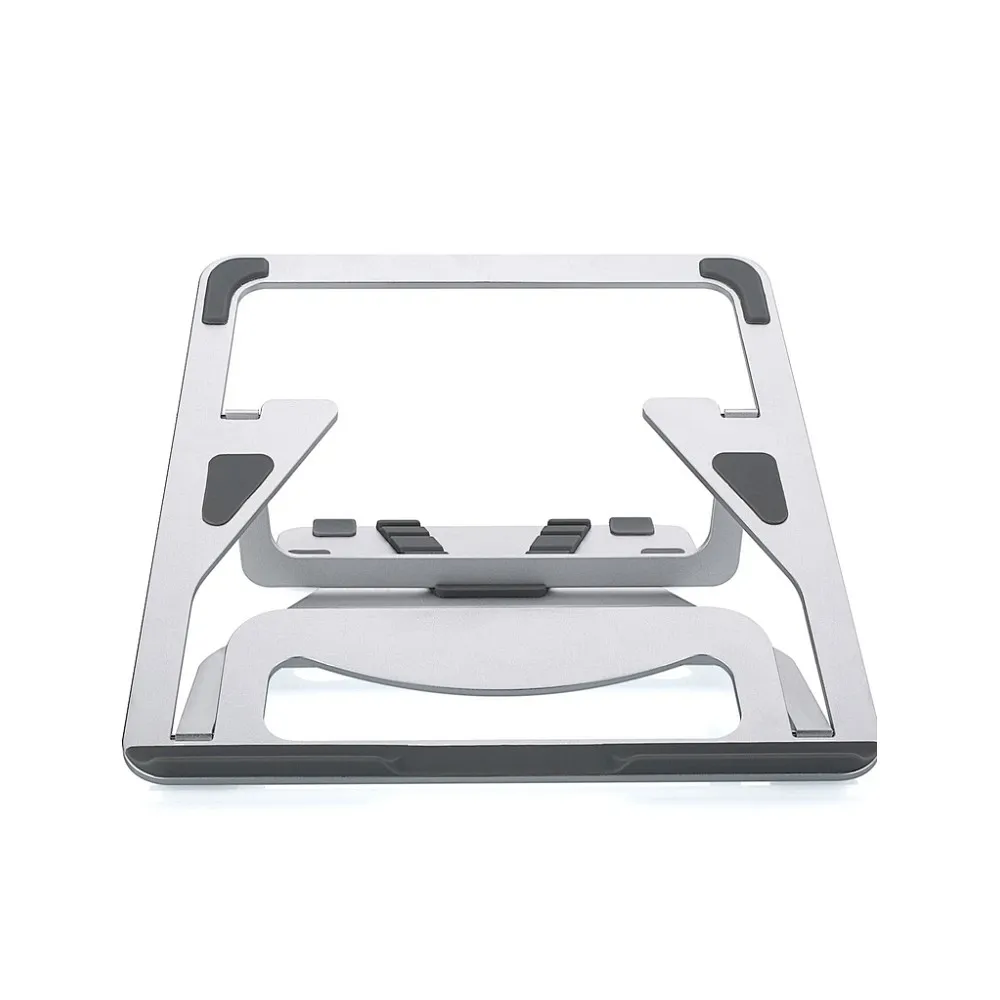
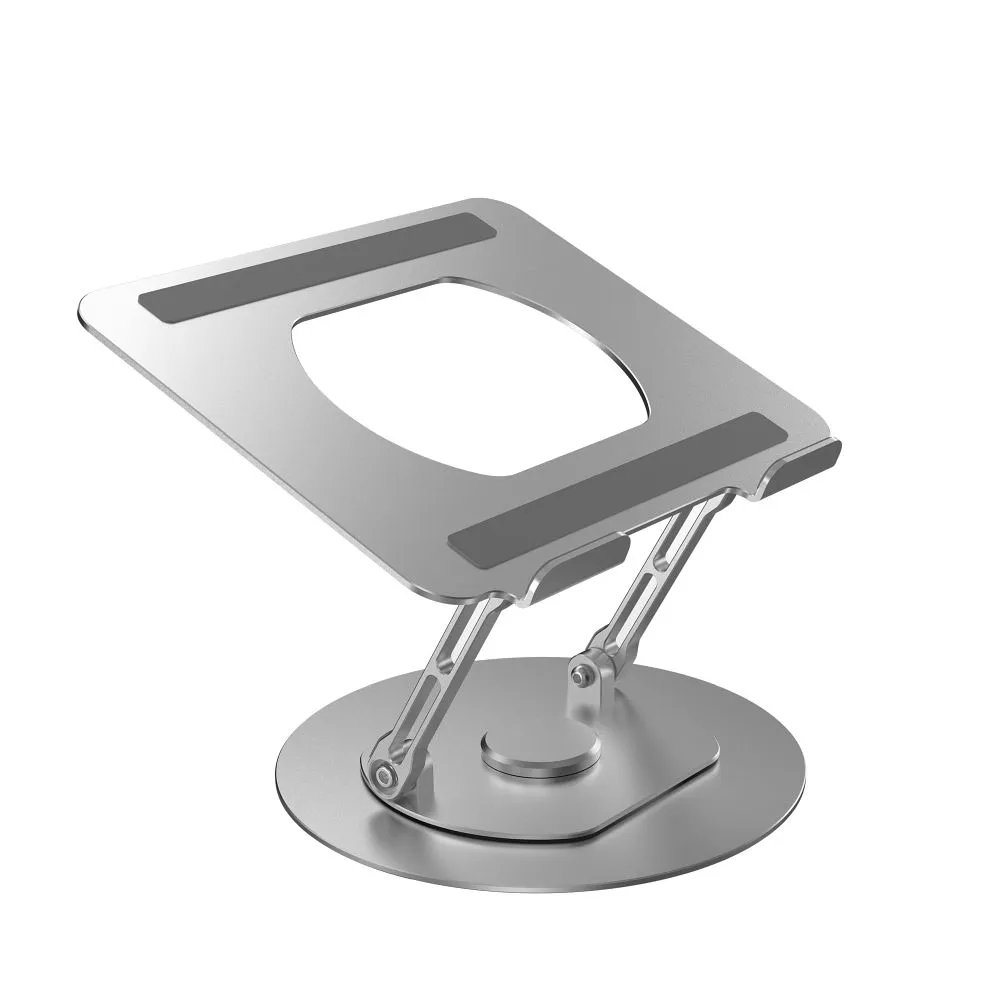
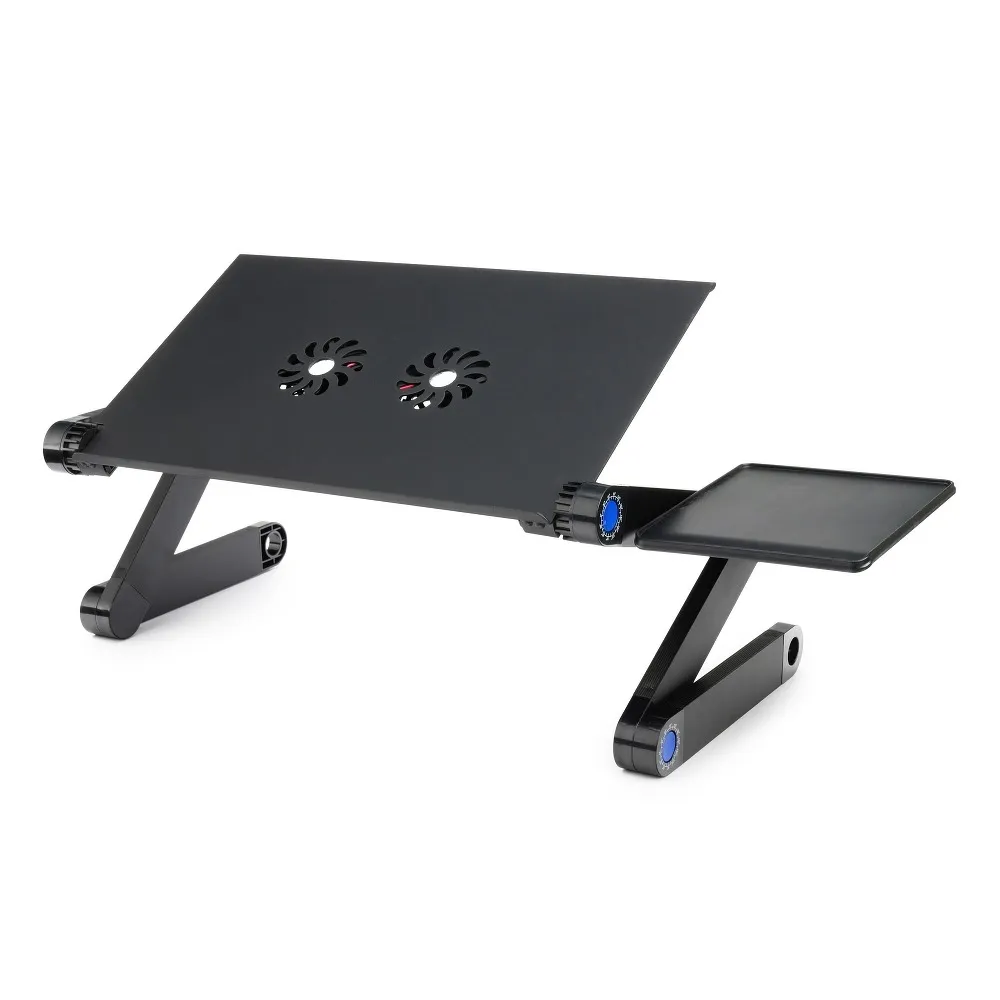
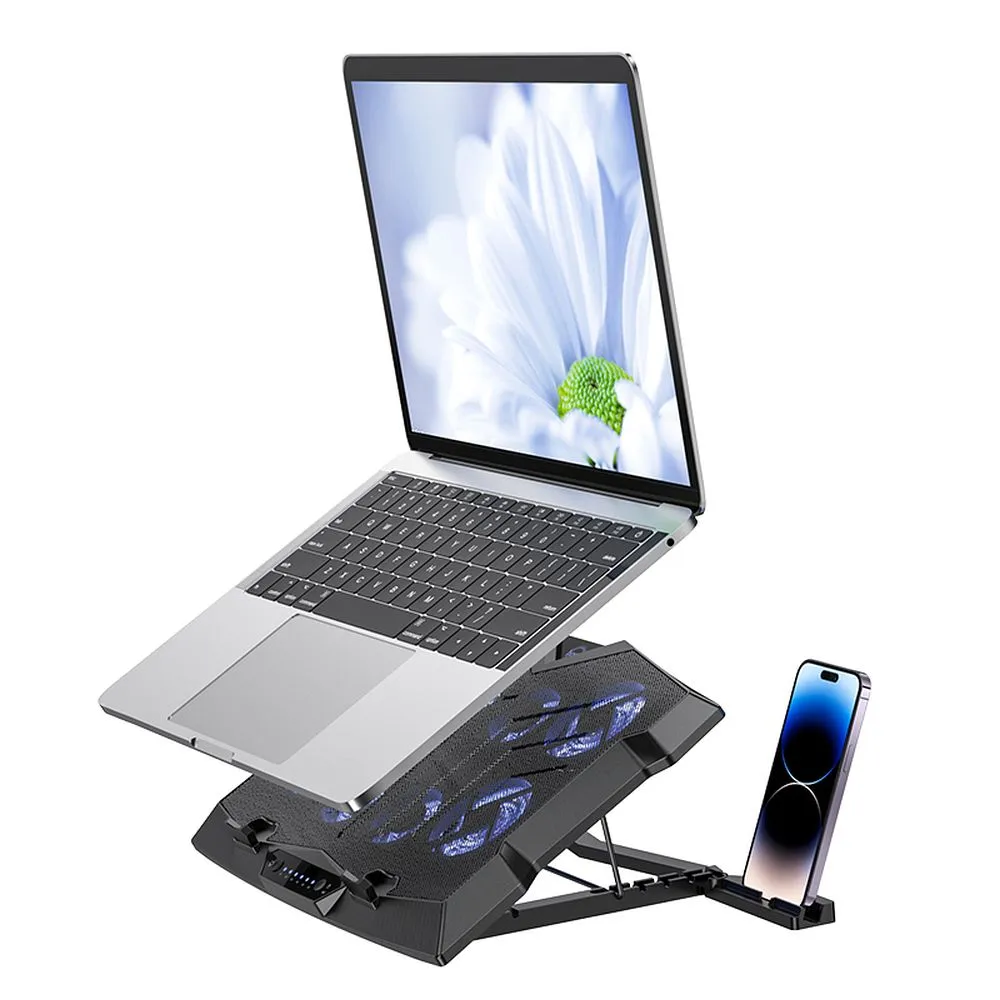
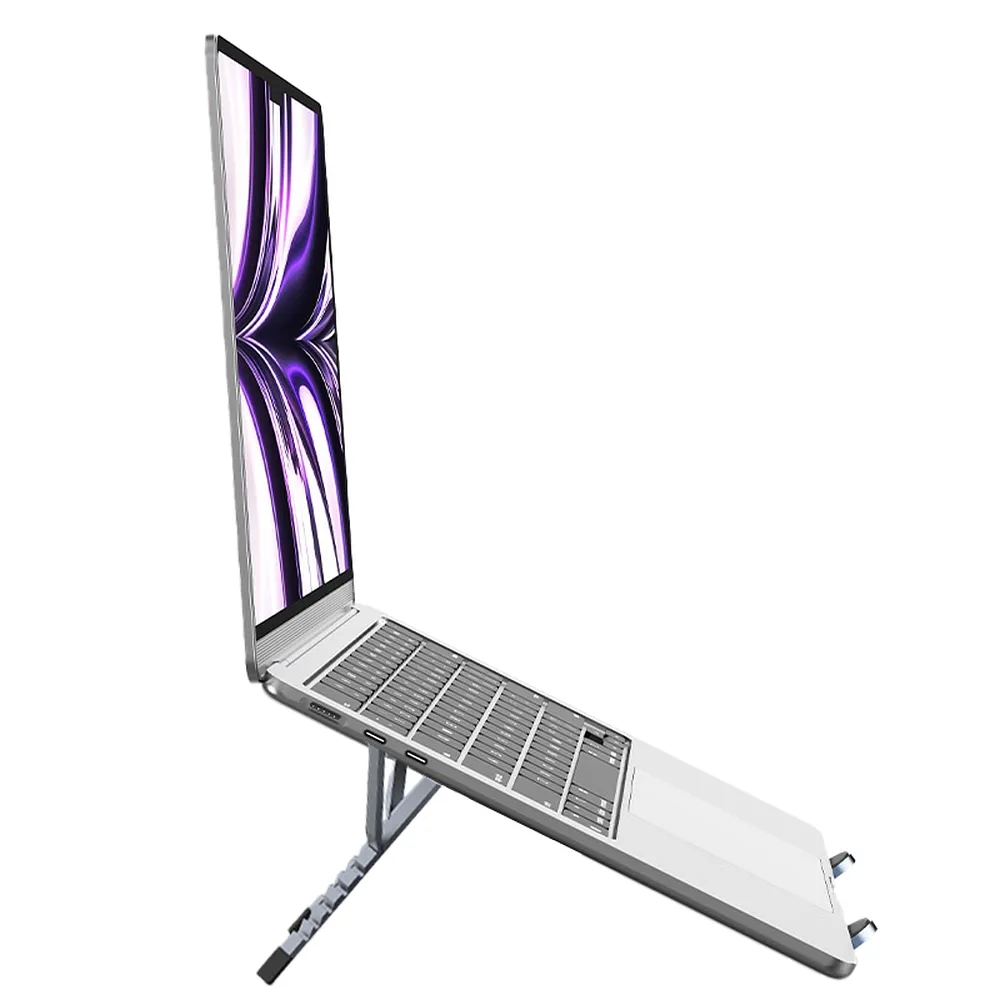
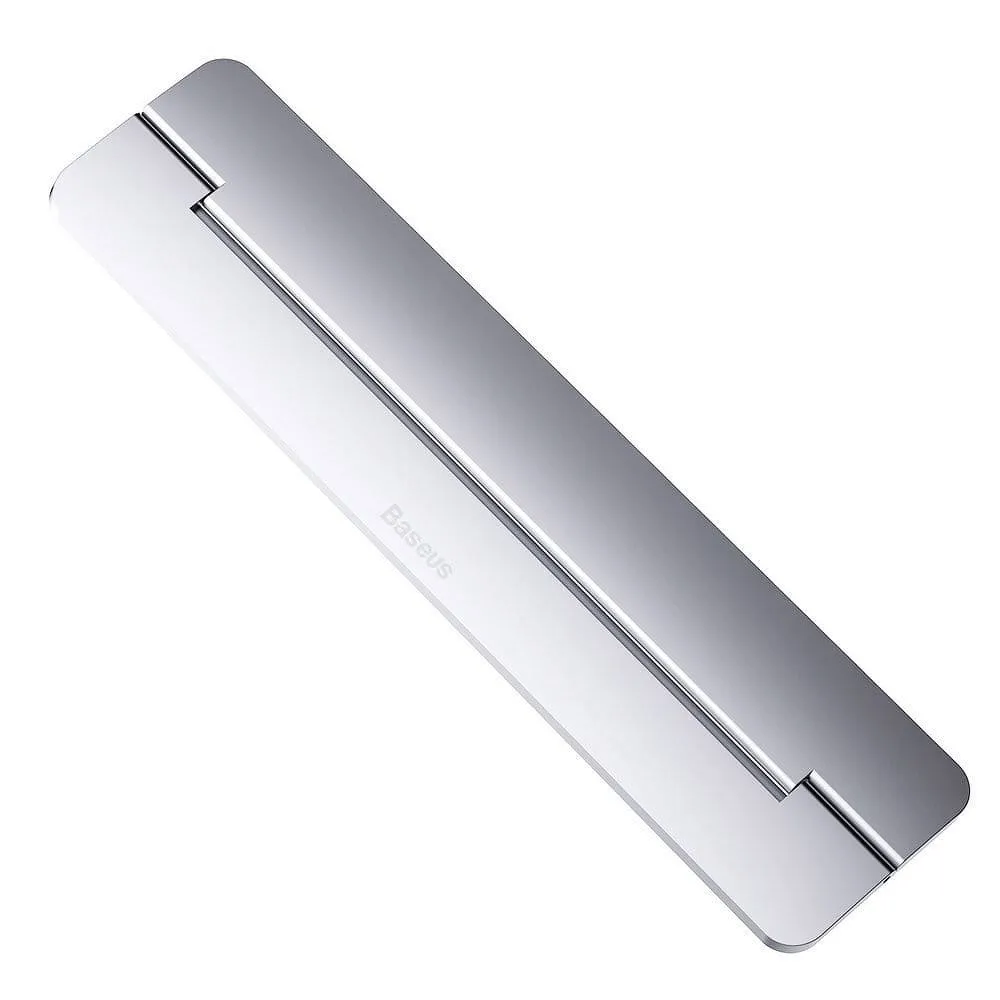
The market offers various types of stands—from classic models, to cooling stands with fans, to height-adjustable constructions. They differ in airflow power, fan size and number, as well as additional features that enhance ergonomics and cooling efficiency.
How Does a Cooling Pad Work? Practical Advantages
A cooling pad increases airflow under the laptop, allowing warm air to be expelled more quickly. This stabilizes device temperatures and boosts performance during both work and gaming.
When choosing a model, it is worth considering:
stand fans,
high airflow capacity,
maximum airflow,
fan size,
fan power supply.
These elements have the greatest impact on cooling efficiency and the operating quality of the pad.
Types of Cooling Pads – What to Choose?
Several product groups are worth testing and comparing:
classic cooling pad
adjustable cooling stand
For those who spend long hours on a laptop and need to improve comfort and maintain proper posture, as well as for users who often move between locations and need a lightweight, portable support, it is worth considering:
fanless pads (ergonomic, quiet)
And for the best possible experience in gaming, e-sports or visual production, the following options stand out:
illuminated cooling pads, ideal for RGB gaming setups
ergonomic cooling stands
recommended cooling pads for work and gaming
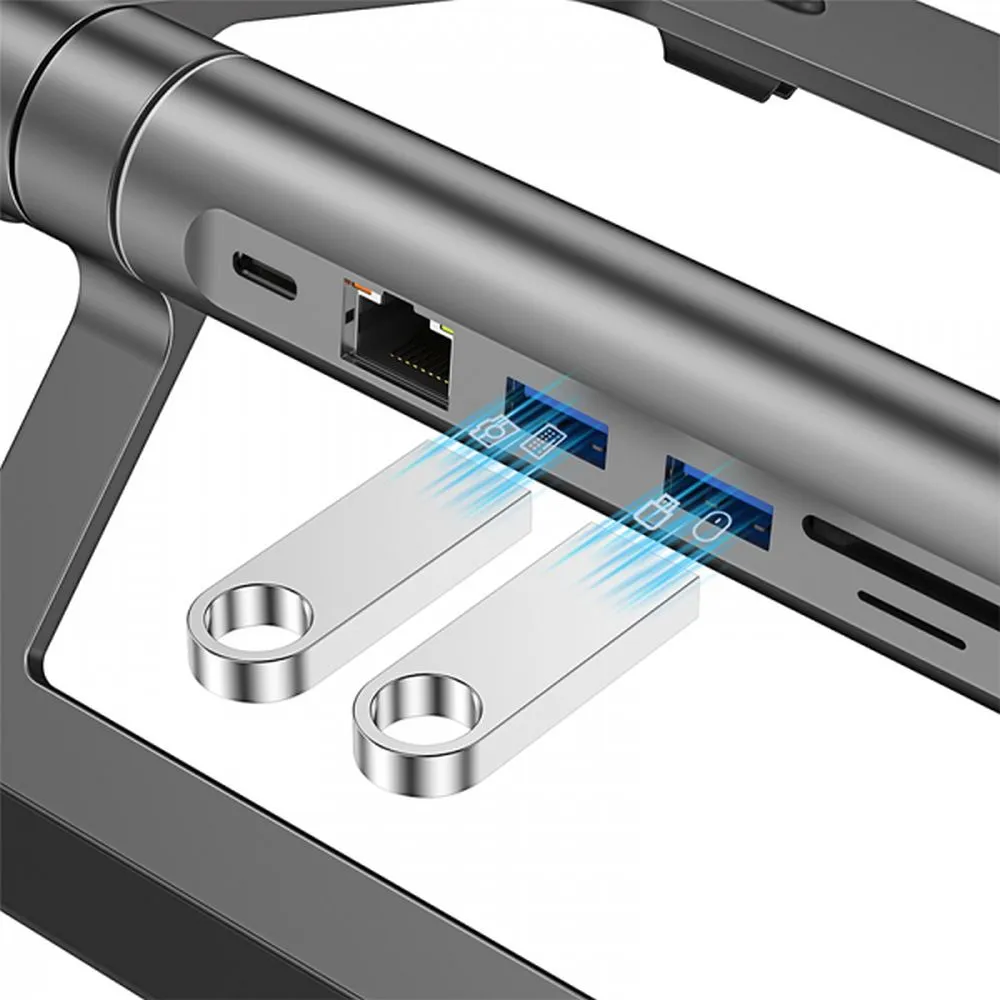
Additionally, models with a built-in USB hub are becoming increasingly popular, offering expanded connectivity options for laptops.
PC Cooling – Fans, AIOs and Accessories
In a PC, the key priority is maintaining stable airflow inside the case. Recommended solutions include:
RGB fans
ARGB fans
classic 12V computer fans
80 mm, 120 mm and even 200 mm fans for large cases
tower coolers (e.g., Endorfy cooling, be quiet! cooling, AMD cooling, Intel cooling, Noctua cooling)
AIO kits, including 240 mm liquid cooling
Thermal performance is also heavily influenced by choosing the right thermal paste—such as Noctua thermal pastes, Thermal Grizzly pastes or Cooler Master thermal compounds.
Gaming Mice – Precision and Ergonomics Across Every Genre
Choosing the right gaming mouse has a significant impact on comfort and reaction speed. The most important factors are a precise sensor, low response time and a shape suited to the preferred grip style (palm, claw or fingertip).
Players should also consider mouse weight—lighter models work well in fast FPS titles, while heavier ones are preferred in strategy or MMO games.
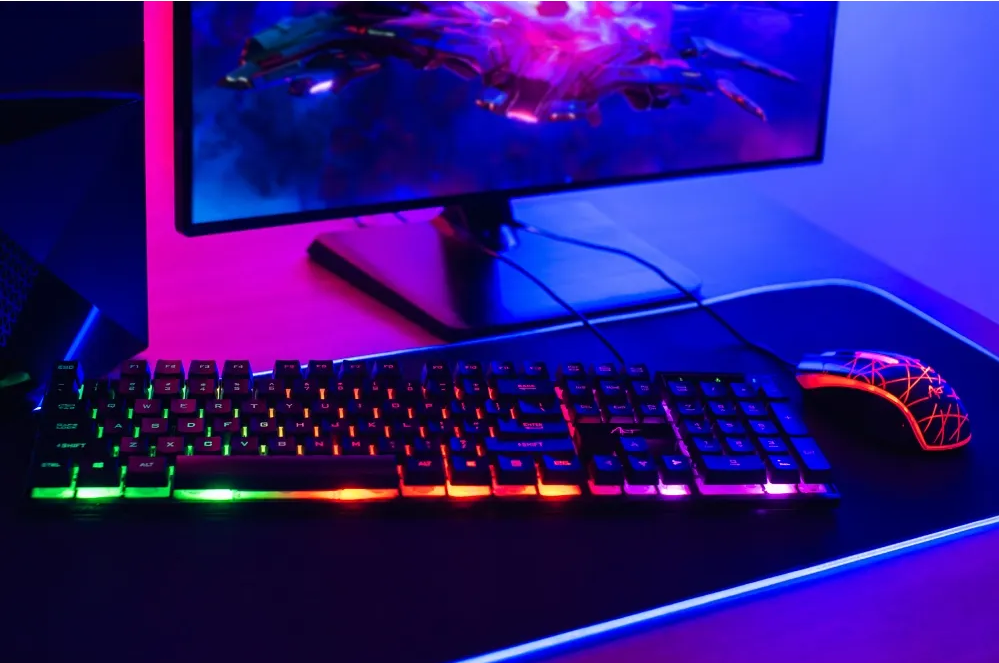
It is worth choosing models with additional buttons, DPI adjustment and RGB lighting, which improve functionality and enhance the aesthetic of the gaming setup. A good mousepad further increases control and comfort during longer sessions.
Connection Type and Build Quality – What Else Affects Comfort?
When selecting a gaming mouse, it is also important to consider the connection method and the materials used.
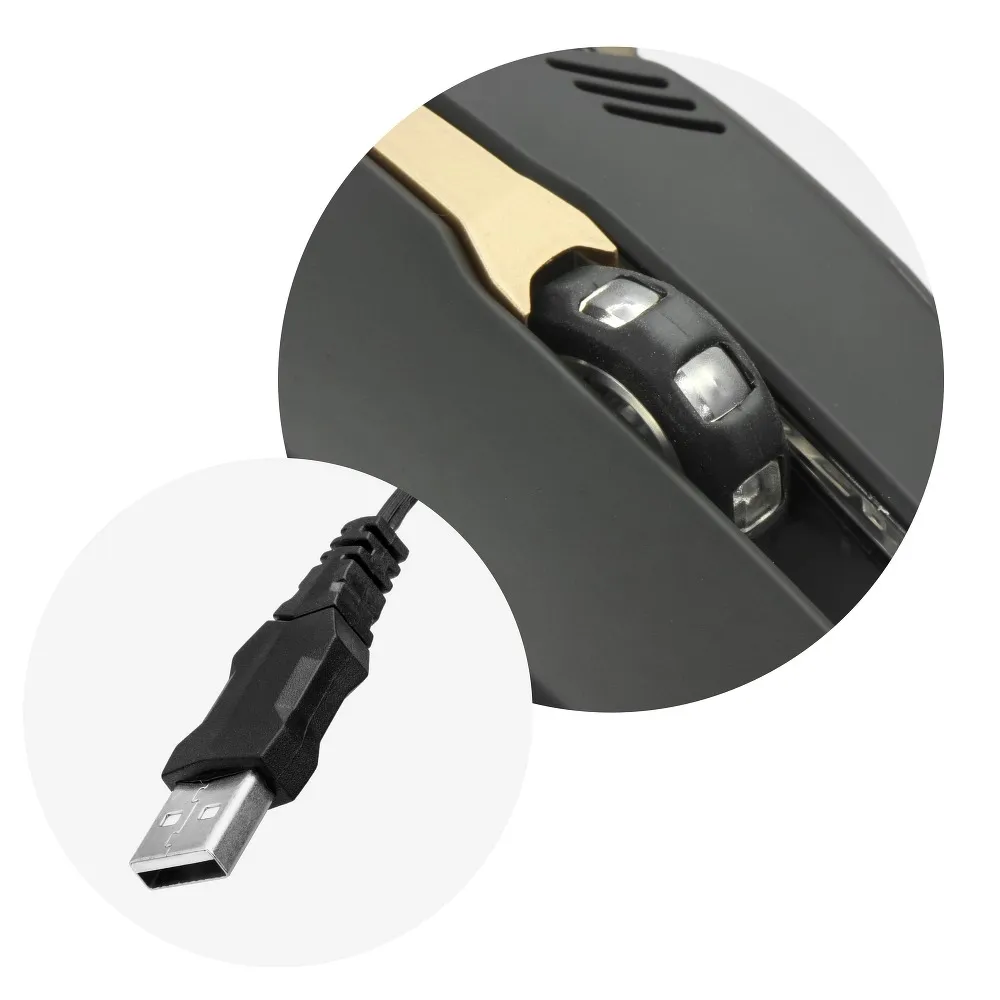
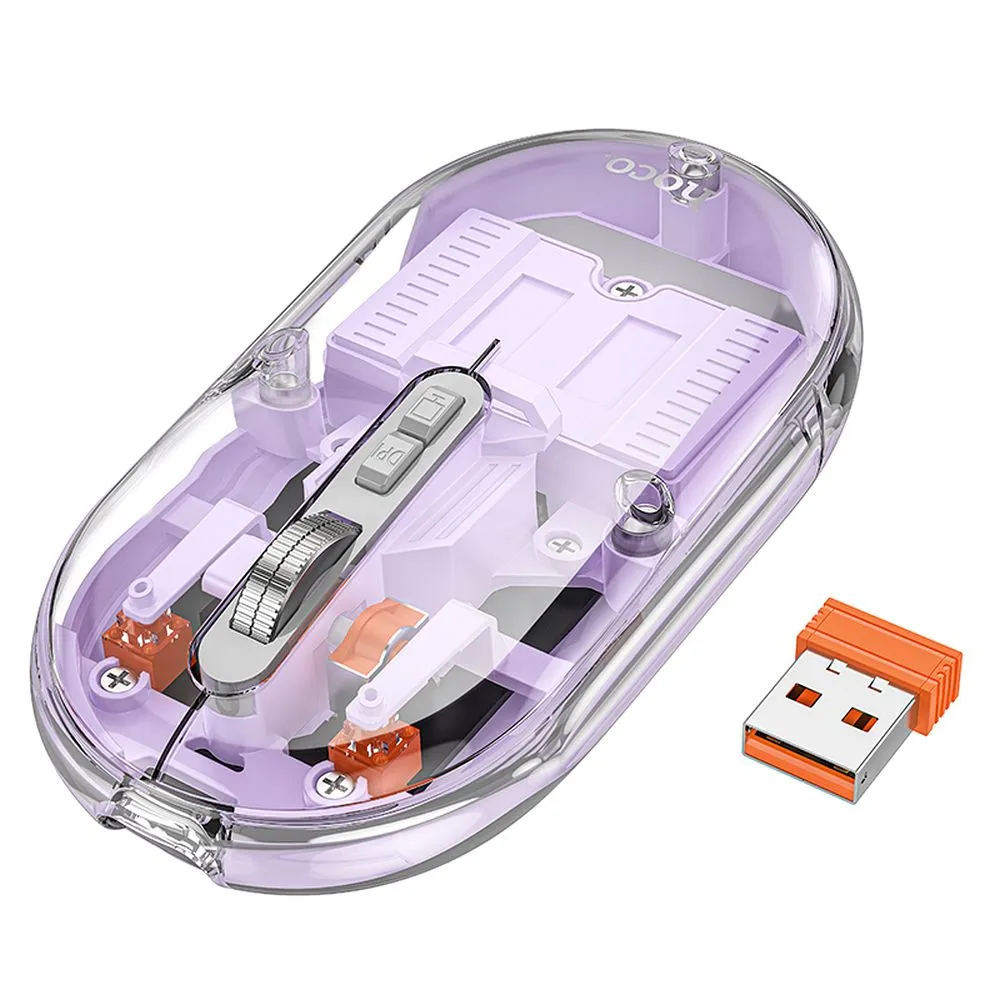
Wired models offer the lowest latency and stable performance, appreciated by FPS players. Wireless mice provide greater freedom of movement, especially in limited desk space. Lightweight, perforated shells are increasingly common, improving hand ventilation during long sessions.
The quality of skates also matters—PTFE or Teflon skates offer smoother movement. Well-selected materials and a refined design ensure greater precision and better ergonomics during intensive gaming.
Gaming Keyboards – Fast Response and Comfort During Long Sessions
Keyboards designed for gamers stand out with high durability and fast key activation. Mechanical keyboards are the most valued for their distinct actuation and precision, though membrane models also have their supporters.
Depending on preferences, full-size, TKL or compact versions can be selected, helping to better organize desk space.
Key features include:
anti-ghosting
customizable RGB lighting
a wrist rest that improves ergonomics during long sessions.
How to Choose a Gaming Keyboard?
When selecting a keyboard, it is worth paying attention not only to the key mechanism, but also to details that influence comfort and precision.
Switch types matter—linear switches offer a smooth press and fast response, clicky ones provide tactile feedback, while tactile switches activate with a noticeable bump without loud clicking.
Stabilizer quality is also important, preventing wobble in larger keys such as spacebar or Enter.
Players should also consider the layout, macro support and overall build quality, especially if the keyboard will be transported frequently. A well-chosen keyboard maintains smooth gameplay and ensures comfort during extended sessions.
Checklist: What to Look For Before Buying?
- Macro functionality – especially important in MMO and MOBA
- Stabilizer quality – are larger keys stable?
- Wrist rest – improves ergonomics during long sessions
- Case material – plastic, aluminum or reinforced construction
- Additional features – media keys, volume rollers, USB pass-through
Mobile Gaming – Convenience, Control and the Right Accessories
Mobile gamers look primarily for ergonomics and good touch feeling. The best accessories for smartphones include:
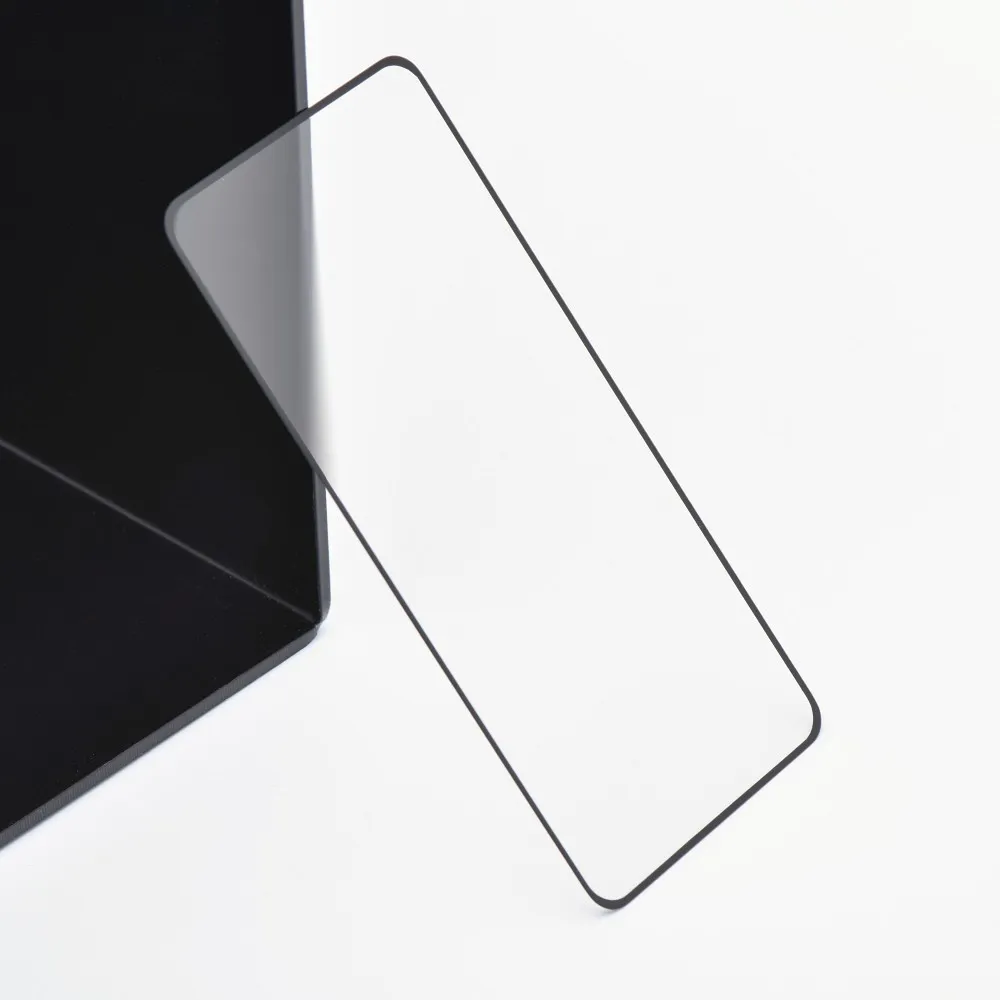
matte tempered glass to reduce glare
phone grips
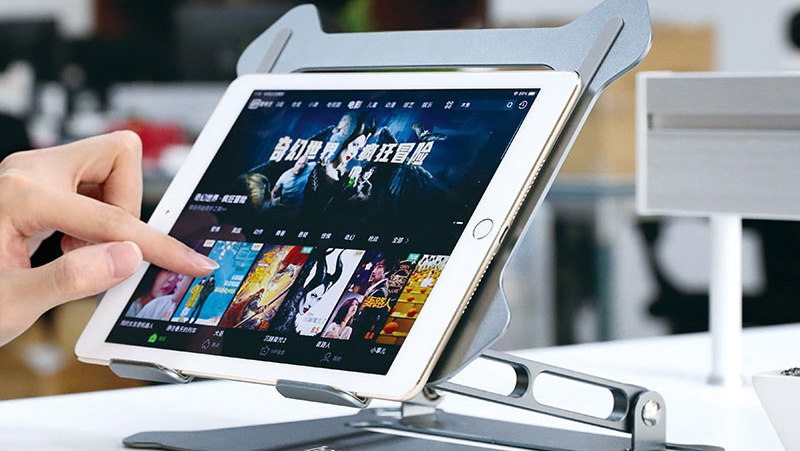
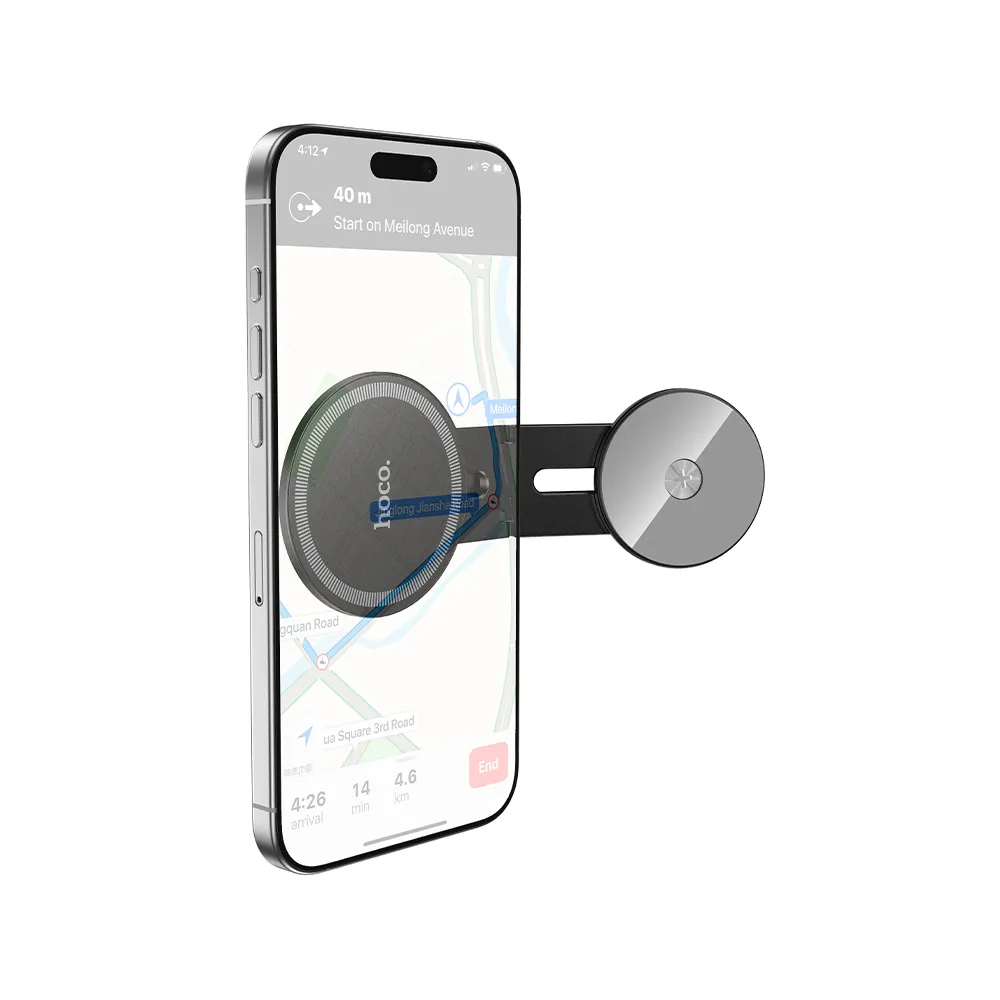
desk stands
high-capacity powerbanks
wired and wireless headphones
Ergonomics is essential—adjusting the viewing angle of the phone can significantly improve comfort during longer gaming sessions.
Comfort and Ergonomics – A Shared Element of Mobile and PC Gaming
Regardless of whether gaming takes place on a smartphone, laptop or desktop PC, comfort and ergonomics are crucial. Different platforms, however, require different accessories suited to each style of play.
For mobile gamers, the key elements are:
adjustable viewing angle to improve visibility and reduce wrist strain
a stable desk stand for comfortable support during longer sessions
ergonomic hand positioning, especially in touch-based games
a grip or pad that increases comfort and reduces device overheating
PC and laptop gamers should consider:
proper screen height for a natural, healthy posture
a high-quality mousepad for precision and stability
a gel wrist rest to reduce hand strain
stable laptop or case placement to minimize vibrations
regular cleaning of cooling pads, as dust build-up limits fan performance and raises temperatures
Choose Accessories That Match Your Gaming Style
The choice of gaming accessories primarily depends on the platform and the nature of the gameplay itself. Mobile gamers typically rely on additions that improve handling comfort and screen visibility, such as matte glass, stable stands or ergonomic grips.
Laptop and PC users focus more on efficient cooling, cooling pads, fans and ergonomic workstation accessories, such as mousepads or wrist rests.
The Partner Tele.com wholesale offer includes a wide range of GSM accessories and computer accessories that can be matched to various devices and gaming styles.
The assortment also includes numerous additions that help organize and expand the workstation—cables, USB hubs, chargers, adapters and a variety of gaming headsets. This wide selection enables the creation of a functional, efficient and comfortable setup, no matter the preferred platform or gaming style.