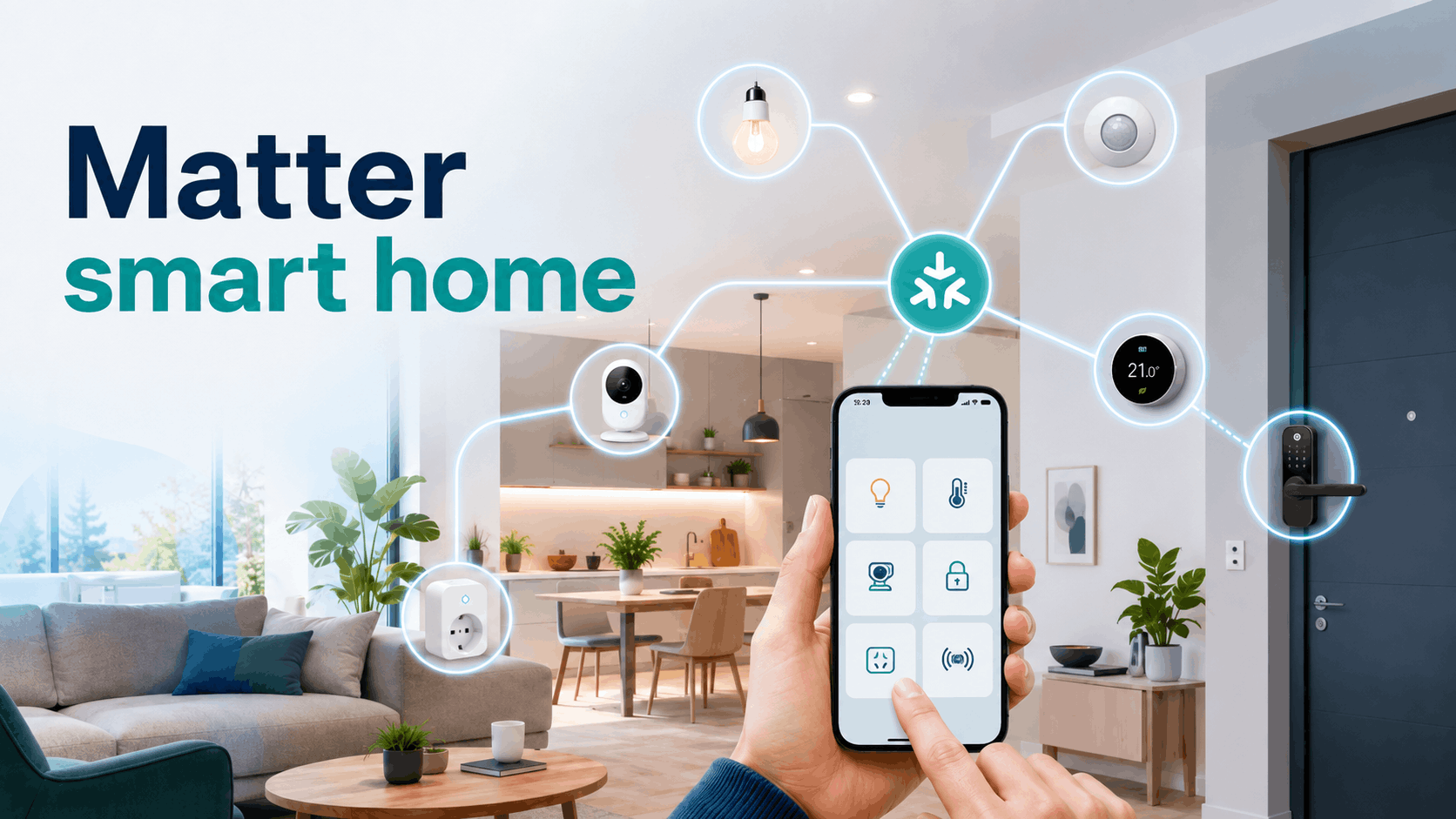
Matter smart home is an increasingly common standard used in smart home devices. It aims to facilitate connecting devices from different brands, reduce the number of applications needed, and make expanding a smart home system simpler than ever before.
What exactly does Matter change, how does it work, and what should you pay attention to when choosing devices? We explain it step by step.
Table of Contents
What is Matter?
Simply put, Matter is a common language for smart home devices. Thanks to it, a light bulb from one brand, a socket from another, and a sensor from a third can be operated within the same system – provided they support this standard.
Matter smart home is not an application, a brand, or a separate type of device. The Matter standard defines how products are to communicate with each other. It was developed by the Connectivity Standards Alliance, and its development involved, among others, Apple, Google, Amazon, and Samsung.
On compatible devices and their packaging, you can find the Matter logo. This designation indicates that the product has undergone appropriate certification and can be added to a compatible system.
Why was the Matter standard created?
For many years, the smart home market was divided into separate systems. One product worked with Google Home, another with Apple HomeKit, and yet another required Amazon Alexa, Samsung SmartThings, or an app created by the manufacturer.
Before purchasing, it was therefore necessary to carefully check whether the new device would fit into the system used at home. Sometimes a suitable application was enough, other times an additional hub or bridge was needed.
The Matter standard aims to sort out this situation. Its main goal is to improve smart home compatibility, meaning the compatibility between devices of different brands and popular platforms.
Thanks to this, a single smart home product can be supported by several systems. Household members do not have to use phones of the same brand or control home equipment using one chosen application.
How does Matter smart home work?
The operation of Matter smart home can be compared to a conversation in one language. Devices can come from different manufacturers, but they understand the same basic commands.
Let’s say the user selects the “turn on light” option in the application. The command goes to the appropriate bulb, which performs the task. In the same way, using a single application, you can remotely turn off a smart plug, set the temperature on a thermostat, lower blinds, or check if a sensor has detected motion, a door opening, or a temperature change.
The Matter protocol defines how devices should transmit such information and how they should respond to it. Many commands can be executed locally, within the home network. Thanks to this, the devices’ response can be faster, and basic control does not always have to depend on an internet connection.
Source: Connectivity Standards Alliance
Wi-Fi, Thread, and Matter – what's the difference?
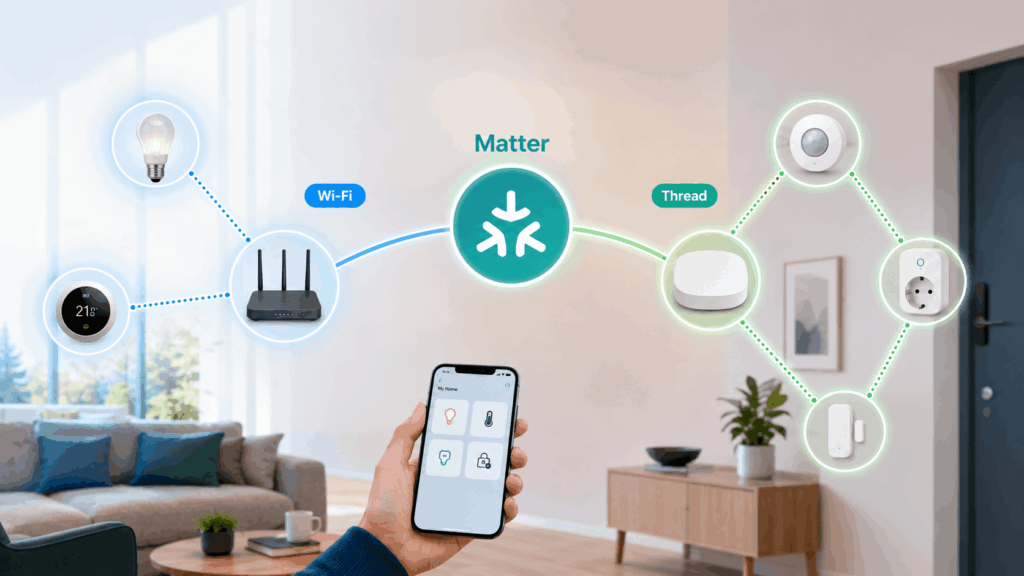
These concepts often appear together, so it’s easy to confuse them. Matter does not replace Wi-Fi or Thread technology. Each of these solutions has a different task.
Wi-Fi and Thread are primarily responsible for data transmission. They can be compared to roads on which information travels. Matter, on the other hand, defines communication rules, i.e., the common language used by devices.
Products requiring faster data transmission can use Wi-Fi. This applies, for example, to some cameras and more advanced devices. Thread, on the other hand, is an energy-efficient network that works well in sensors, thermostats, locks, and other small products.
A Thread Border Router may be needed to connect Thread devices to the home network. This function is sometimes built into selected controllers, speakers, displays, or other devices acting as a smart home hub.
During the initial setup, Bluetooth Low Energy may also be used. It helps the phone find the device and begin its addition.
Matter vs. Zigbee and Z-Wave
Zigbee and Z-Wave are technologies used in smart homes for years. They allow creating networks consisting of many sensors, outlets, light bulbs, and other devices. They most often require a suitable gateway or hub.
Matter does not mean the end of Zigbee or Z-Wave. These technologies can still operate side by side. A suitable gateway can also act as a translator and make older devices available in the Matter system.
Such a solution is called a bridge. It relays commands between devices using different communication methods. However, not every older product will receive such a capability, so one should not assume that an update will automatically turn it into a Matter device.
A user who already has an extensive smart home based on Zigbee or Z-Wave does not need to replace all equipment. For subsequent purchases, they can simply check if new devices have Matter support and if they will work with their existing hub.
What devices can support Matter?
The list of devices compatible with Matter is gradually expanding. The standard may include, among others:
smart bulbs and lighting,
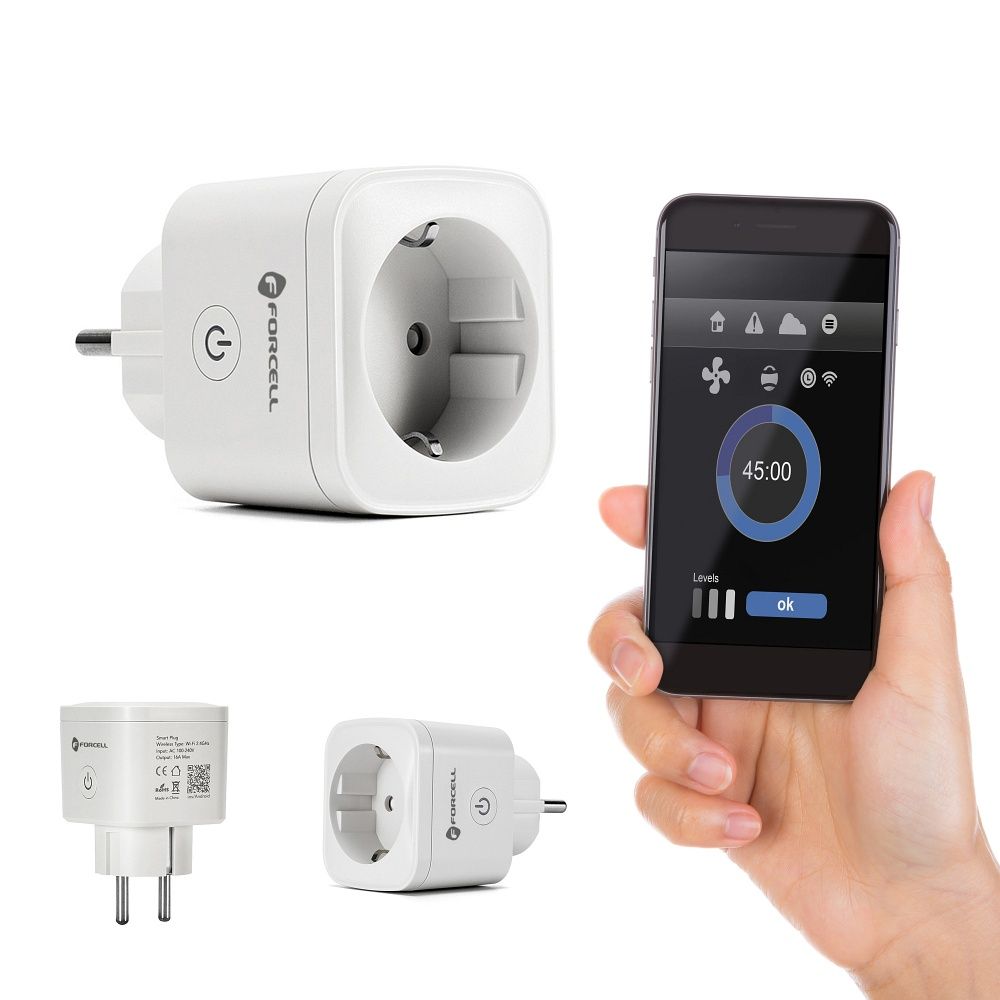
switches and outlets,
motion, temperature, and opening sensors,
thermostats and heating devices,
door locks,
blinds and shutters,
fans and air purifiers,
robot vacuum cleaners,
selected home appliances,
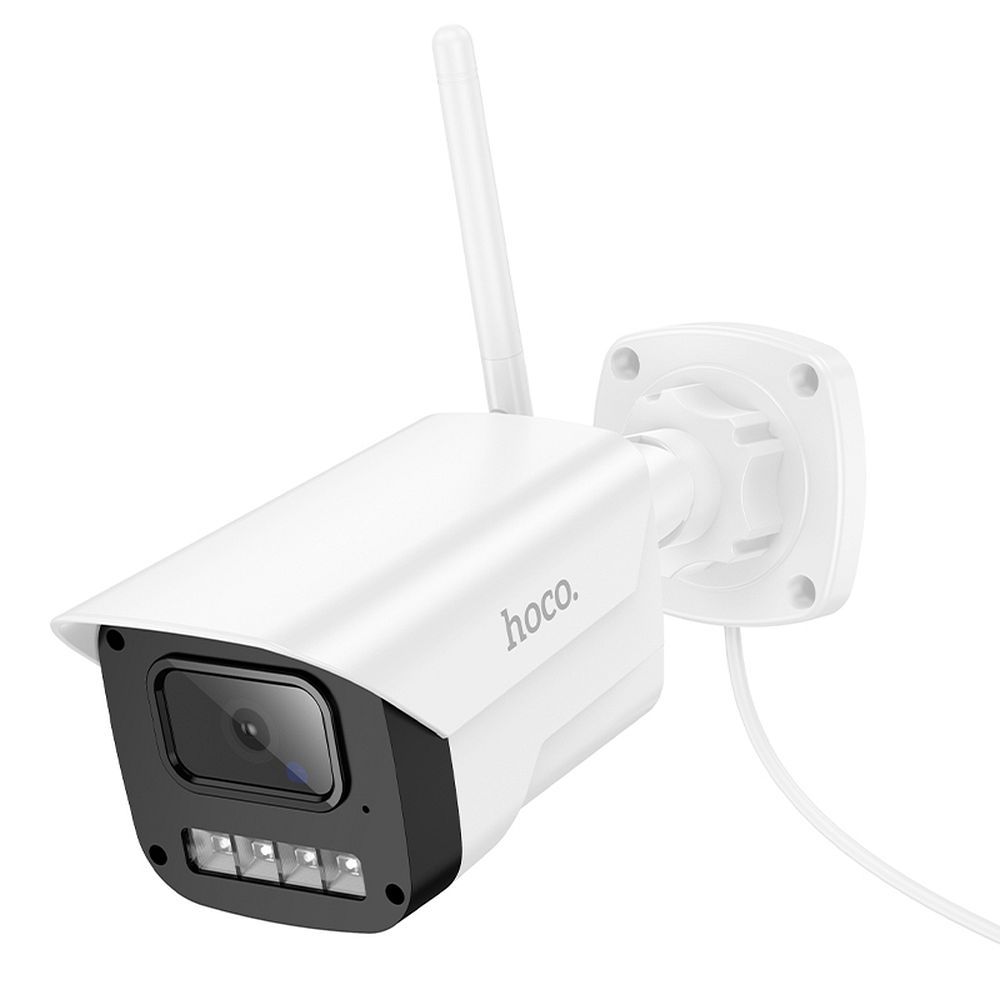
cameras and video doorbells,
devices related to energy consumption control.
Subsequent versions of the Matter specification expand the number of supported categories. The standard now includes, among others, home appliances, energy management systems, cameras, soil sensors, and additional solutions for controlling heating and home equipment.
However, this does not mean that all Matter devices offer exactly the same functions. One application may only allow for turning the product on and off, while the manufacturer’s application may provide additional schedules, statistics, or more detailed settings.
Which applications does Matter work with?
Matter was created with the goal of cooperating with the most popular smart home platforms. These include:
Apple Home,
Google Home,
Amazon Alexa,
Samsung SmartThings.
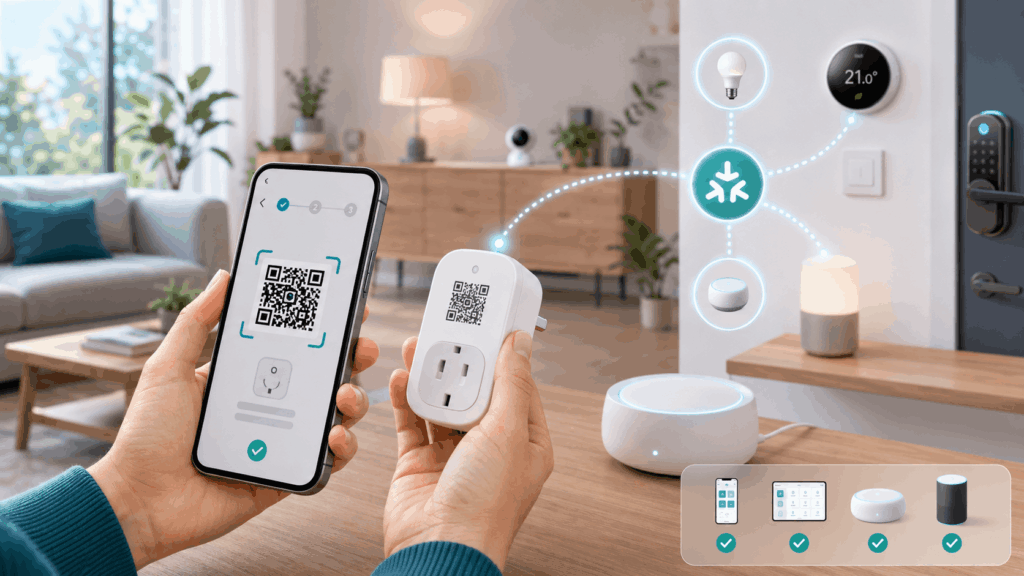
This means that Matter-enabled devices can be controlled using the user’s chosen application. A single device can also be shared with several compatible systems.
For example, one person can use the Apple Home app, while another household member controls the same smart plug using Google Home. This function is referred to as multi-admin and reduces the need to choose a single ecosystem for the entire home.
It should be noted, however, that there may be differences in individual applications. Basic smart home control should work across compatible platforms, but more advanced features may only be available in the manufacturer’s app.
What do you need to use Matter?
To create a Matter smart home, you primarily need a device marked as standard-compliant. A compatible application and a Matter controller, which is the element managing the devices, will also be necessary.
The controller function can be performed by selected:
smart home hubs,
speakers with voice assistants,
smart displays,
media streamers,
routers and other home devices.
If a product uses Wi-Fi, it usually connects to your home router. For Thread devices, a Thread Border Router may be needed. You don’t always have to buy it separately, as this function is sometimes built into some Apple, Google, Amazon, or Samsung devices.
Before purchasing, it’s worth checking whether the device actually supports Matter (device supports Matter), what connectivity technology it uses – e.g., Wi-Fi or Thread – and whether it requires an additional hub or gateway to function.
How to add a Matter-enabled device to a smart home system?
Configuration is usually not complicated. In most cases, it looks similar:
Connect the device to power or launch it according to the instructions.
Open your chosen smart home app.
Select the option to add a new device.
Scan the Matter QR code located on the product, packaging, or in the manual.
Choose a room and name the device.
Check if the product responds correctly to commands.
After completing the configuration, you can control devices (control Matter devices) in the app or using voice commands. However, it’s also worth setting up automated actions, such as turning on the light when motion is detected, turning off a smart plug at a specific time, or changing the temperature when residents leave. The configuration code should be kept, as it may be needed after resetting the device or when re-adding it to the system. The configuration code is worth keeping, as it may be needed when re-adding the product.
You should also regularly install updates. They can improve security, operational stability, and compatibility with subsequent devices. The configuration process most often relies precisely on scanning the code, assigning the device to a room, and checking its operation.
Is it worth choosing devices compatible with the Matter standard?
If you are just creating a smart home, it’s worth paying attention to Matter-enabled devices from the start. This will make it easier to connect products from different brands later on, use your chosen application, and expand the system without being dependent on a single manufacturer. However, this does not mean that only Matter-compliant devices are suitable for a smart home.
Not every smart home device automatically supports Matter. Many products work via Wi-Fi, Zigbee or Z-Wave and can still perform their function well in a specific system. The Matter standard is primarily intended to improve smart home integration, which means facilitating cooperation between devices and applications of different brands, rather than immediately replacing all previously used solutions.
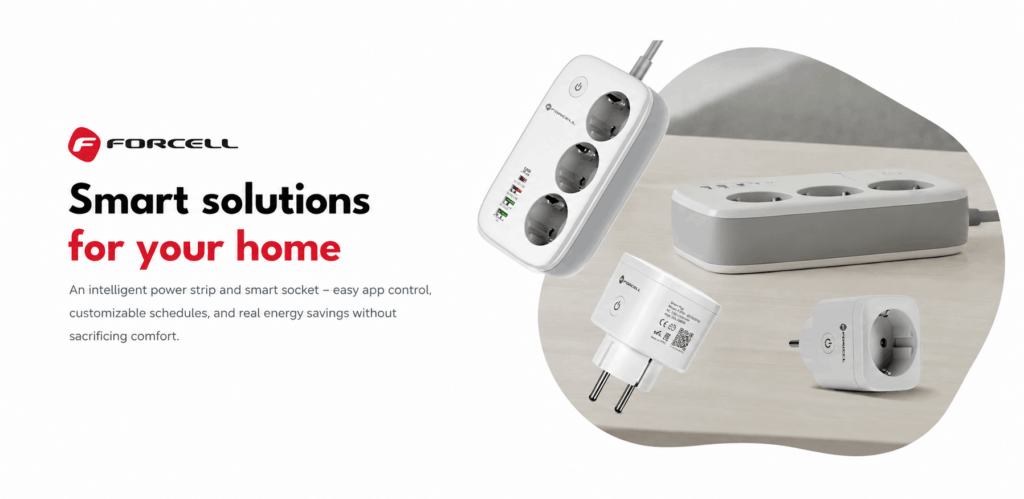
In the category Smart home at the wholesaler Partner Tele.com you will find, among others, smart sockets, IP cameras, and other smart home accessories. Before purchasing, it is worth checking the product description to see what connectivity technology it uses, what applications it works with, and whether it requires an additional hub. This makes it easier to select a device that fits an already used system or planned installation.
Properly selected smart home products can facilitate control of power, lighting, and home security. Matter smart home is particularly useful when you want to freely connect devices from different brands and make it easier to expand your smart home in the future.

Patrycja Blechinger_Partner Tele.com
Author and editor specializing in new technologies, e‑commerce and B2B/B2C communication. At Partner Tele.com, she develops educational and SEO content for the GSM accessories, consumer electronics and online sales sectors, combining editorial expertise with hands‑on experience in content marketing.
She has extensive experience in marketing, PR and sales. She has worked on communication campaigns, collaborated with PR agencies and created a wide range of content – from articles and industry publications to brand materials and advertising copy. This allows her to combine technological knowledge with a practical understanding of market and customer needs.
She focuses on topics related to modern technologies – from 3D printing and scanning to automation, e‑commerce and consumer electronics. She is the author of industry publications for Polski Przemysł, where she wrote about additive manufacturing and technological solutions for the industrial sector.
At Partner Tele.com, she also co‑creates communication for brand blogs, including Hoco and Forcell. She is currently expanding her knowledge in psychology, which supports her approach to audience analysis and creating content tailored to customer behavior.